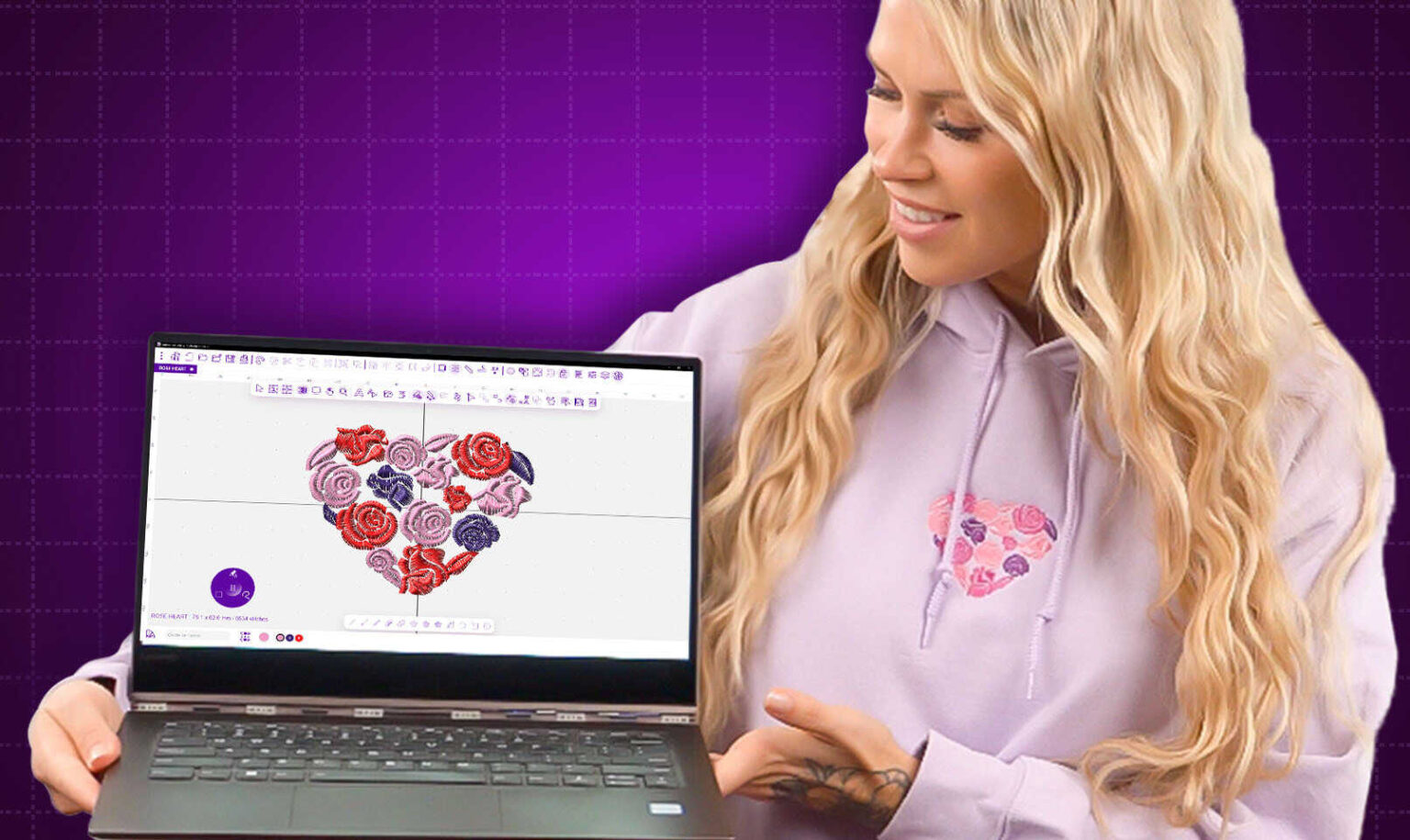
You have a beautiful logo ready to stitch onto uniforms, caps, or jackets. Your machine is a Pfaff or a Husqvarna Viking, and you know it needs a specific file format to run properly. But here is the thing that trips up so many people. You cannot just change the file extension and call it a day. A VIP file is not a renamed JPG or PNG. It is a detailed map of stitch commands that tells your machine exactly where to punch the needle, what direction to take, and how dense the stitching should be. When you learn how to properly Convert Logo to VIP Embroidery File using advanced digitizing techniques, you get clean, professional results without thread breaks or puckering.
What Exactly Is a VIP Embroidery File
The VIP embroidery file format is native to older Pfaff and Husqvarna Viking embroidery machines . It stores all the stitch data required for a machine to recreate your design, including stitch coordinates, color sequences, and pathing instructions . This format emerged in the late 1990s after the merger between Pfaff and Husqvarna Viking .
Think of a VIP file as a musical score for your embroidery machine. Just as a score tells a musician which notes to play and when, your VIP file tells your Pfaff or Viking exactly where each stitch goes. Without this precise mapping, your machine simply cannot produce the design you see on your screen.
One important thing to know about VIP files is that they are considered a legacy format . Newer Pfaff and Viking models have moved to VP3 and VIP3 formats, which offer better editing capabilities and wider compatibility . However, if you own an older machine, VIP remains the format you need to use directly.
Why Free Converters Ruin Your VIP Files
I know the temptation. You search online for a free converter, upload your logo, and download a VIP file in thirty seconds. It feels like magic. But that magic comes with a nasty price tag hidden in wasted time and ruined garments.
Free online converters do not actually create proper stitch data. They simply change the file extension and wrap your image in a container that looks like a VIP file on your computer . When you load that file onto your machine, it contains no real stitch instructions. Your machine tries its best, but the result is often broken threads, uneven stitching, or a completely distorted design.
Even worse, many converted files skip important trims and thread changes. This causes overlapping stitches, color bleeding, and messy embroidery. Without proper sequencing, your design may not match your original logo at all. Badly converted VIP files can also make your machine jam, skip stitches, or stop mid-run. Fixing these errors often costs more than hiring a professional digitizer in the first place.
What Your Machine Actually Needs in a VIP File
A properly digitized VIP file contains several critical elements that free converters completely ignore.
Stitch direction matters tremendously. A skilled digitizer maps stitch paths to follow the natural flow of your artwork. For a circular logo, stitches might radiate outward from the center. For text, satin stitches run parallel to the letter strokes. These choices affect how light reflects off the finished embroidery and how the design sits on the fabric.
Stitch density controls how closely stitches pack together. Too many stitches in a small area cause the needle to overheat, leading to thread breaks and fabric damage. Too few stitches leave gaps where the fabric shows through. A professional digitizer adjusts density based on your specific fabric type and design size.
Underlay stitches form the hidden foundation of your design. Your machine sews these first, directly onto the fabric, before adding the decorative top stitches. Underlay stabilizes the fabric, prevents sinking, and keeps your design looking crisp through repeated washing. A VIP file without proper underlay will pucker and distort.
Pull compensation counteracts the natural fabric shrinkage that happens during stitching. As your machine punches thousands of stitches, the thread tension pulls the fabric inward. A professional digitizer adds extra width to the file knowing that the tension will pull it back to the correct size. Different fabrics need different compensation amounts.
Advanced Digitizing Techniques for VIP Files
Let me walk you through how professional digitizers actually create VIP files. This process is nothing like using a free online converter.
The digitizer starts by analyzing your artwork in professional software like Wilcom Embroidery Studio or Hatch . These programs cost hundreds or thousands of dollars for a reason. They give the digitizer complete control over every stitch parameter.
Instead of relying on auto-digitizing, which often ignores fabric type and stitch direction, the digitizer manually assigns stitch types to each element of your design . Satin stitches create smooth borders and lettering. Tatami fills cover larger areas with a textured appearance. Running stitches handle fine details and outlines.
The digitizer then adjusts stitch angles to follow the contours of your design. For a curved letter or a circular shape, they use a technique called split satin, which breaks the stitch into shorter segments that follow the curve smoothly. Without this technique, satin stitches bunch up on the inside of curves and pull apart on the outside.
Next comes underlay selection. Different fabrics need different underlay strategies. Knit fabrics like polo shirts need heavier underlay with multiple passes to prevent sinking. Woven fabrics like denim need a lighter touch. Caps with foam backing require specialized underlay that locks the design in place without flattening the structure.
The digitizer also sequences colors intelligently. Light colors stitch first, followed by darker colors. This prevents dark thread fibers from showing through light stitching. Small detail colors stitch before large fill areas, so the machine handles tricky elements while the fabric is still taut. The outline stitches last, crisping up the entire design.
Finally, the digitizer adds trims and tie-ins to control loose threads between sections of the design . Proper trimming reduces the chances of thread breaks and ensures smooth machine operation. The file then exports to VIP format and undergoes simulation testing before delivery.
What You Need Before Starting the Conversion
If you decide to work with a professional digitizer, here is what you need to provide for the best results.
Start with a high-resolution image of your logo. Vector files like AI, SVG, or EPS work best because they contain clean paths that digitizers can trace precisely . If you only have a JPG or PNG, make sure it is at least 300 DPI. A crisp image helps ensure the stitches follow clean lines and produce sharp details during embroidery.
Know your finished size. Tell the digitizer exactly how large you want the design to stitch out. A logo that looks perfect at 6 inches wide may become an illegible blob at 2 inches. The digitizer adjusts stitch types, densities, and underlay based on your specific dimensions.
Specify your fabric type. A design destined for a structured denim jacket needs different handling than the same design going onto a soft performance polo . The more information you provide, the better your final VIP file will perform.
Know your machine model. While VIP files work across many Pfaff and Viking machines, confirming compatibility with your specific model saves headaches later.
Testing Your VIP File Before Full Production
Never run a large production order on your Pfaff or Viking without testing your VIP file first. Professional digitizing services often provide a sew-out or digital proof before final delivery. If they do not offer this, ask for it.
Stitch out a single sample on the exact fabric you plan to use. Examine it closely under good lighting. Look for any puckering around the edges. Check that small text remains readable. Run your fingernail across the design to make sure the stitches feel secure. Verify that the thread colors match your brand standards.
If the sample looks perfect, run another one to be sure. If you see any problems, send photos to your digitizer and ask for revisions. A professional service offers free unlimited edits until you are completely satisfied . This testing takes a few extra minutes but saves you from ruining dozens of garments.
The Bottom Line on VIP File Conversion
Converting a logo to VIP format is not a simple file conversion. It is a form of digitizing art that requires skill, precision, and the right tools. A properly digitized VIP file ensures perfect stitch quality, flawless machine compatibility, and accurate color matching that truly represents your brand.
Professional digitizers use licensed software like Wilcom Embroidery Studio and understand every stitch parameter, from density and underlay to pull compensation and stitch direction . They optimize every file for your specific machine model and fabric type. And they deliver ready-to-sew VIP files quickly, often within 12 to 24 hours.
Find a digitizer who understands Pfaff and Viking machines specifically. They know the quirks of VIP format, the importance of fabric-specific compensation, and the exact settings that keep your machine running smoothly. Give them clean artwork, clear size specifications, and fabric details. Then watch your machine turn that digital file into stitched magic that makes you proud to show off your work.
Conclusion
Your Pfaff or Husqvarna Viking embroidery machine is a powerful tool capable of producing stunning, professional-quality work. But it depends entirely on the files you feed it. Free converters and DIY software might seem convenient, but they lead to poor results, wasted fabric, and lost time.
Professional digitizing transforms your ordinary images into precise VIP files that your machine reads effortlessly. No thread breaks, no puckering, no skipped stitches. Just clean, crisp embroidery that makes you proud.
Take the time to find a professional digitizer who asks about your fabric, your machine model, and your finished size. Request a test sew-out before committing to large production runs. And remember that quality digitizing is an investment in your final product, not an expense you want to cut corners on. Your logo deserves to look its best in thread. Give it the VIP file it deserves.
No Responses